


Deco Gear 49” 240 Hz OLED Monitor
Product Information
Precision-engineered for the way you work, game, and create.

Get to know us
on every
order.
returns.
perform.
for you.
in the box


question?
Camera.
behind every order.
Product Details
See Everything. Miss Nothing.
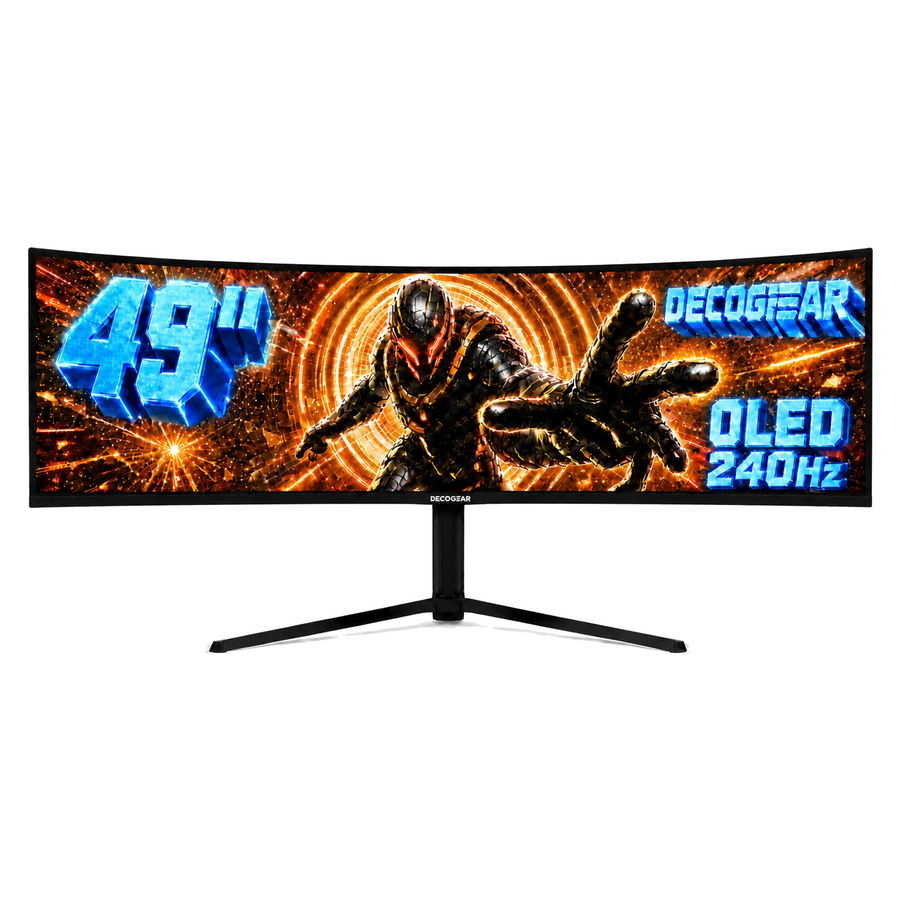
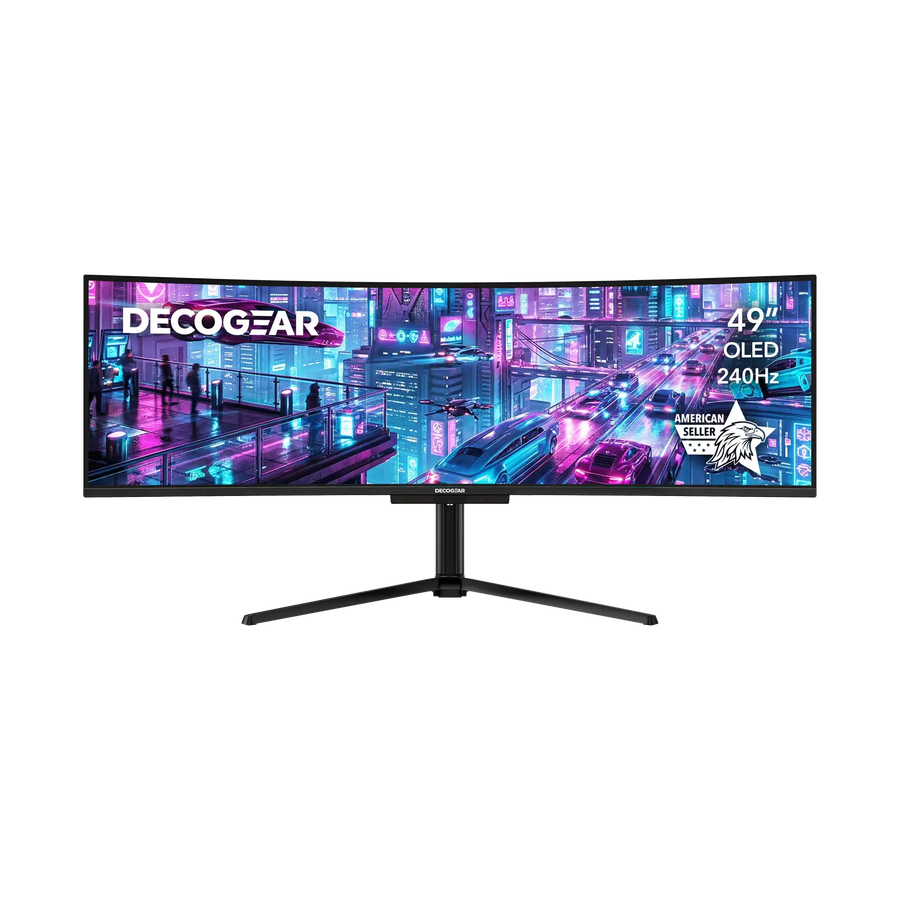
Experience Perfection with the Deco Gear DG49OLED240 QD-OLED 49” Ultrawide Monitor
Immerse yourself in pure visual brilliance. The Deco Gear DG49OLED240 isn’t just a monitor - it’s a window into another world, where your games, movies, and workspaces come alive with lifelike color, instant response, and breathtaking immersion. Designed for creators, gamers, and visionaries alike, this 49-inch curved ultrawide QD-OLED display combines cinematic scale with lightning-fast performance - delivering the clarity, color, and control that defines true next-gen viewing.
Why You’ll Love the DG49OLED240
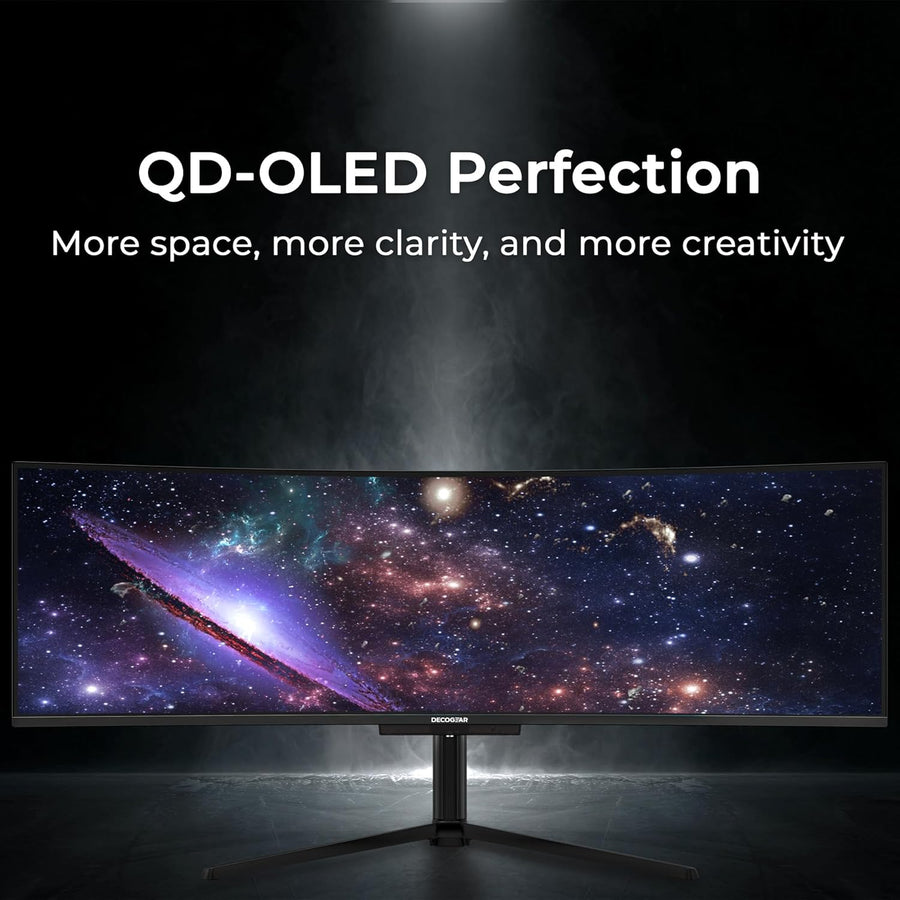
- Quantum-Dot OLED Perfection - Enjoy astonishing depth and precision with a 1500000:1 contrast ratio, HDR400 True Black, and over 1.07 billion colors.
- Dual-Screen Power, One Immersive Canvas - A stunning 5120 × 1440 DQHD resolution gives you the workspace of two 27” QHD displays — without bezels, cables, or clutter.
- 240Hz Refresh Rate + 0.03ms Response - Every motion, every frame, every victory — rendered with flawless smoothness and instant reaction.
- 90W USB-C Power Delivery - Keep your laptop charged and your setup minimal with single-cable connectivity for video, data, and power.
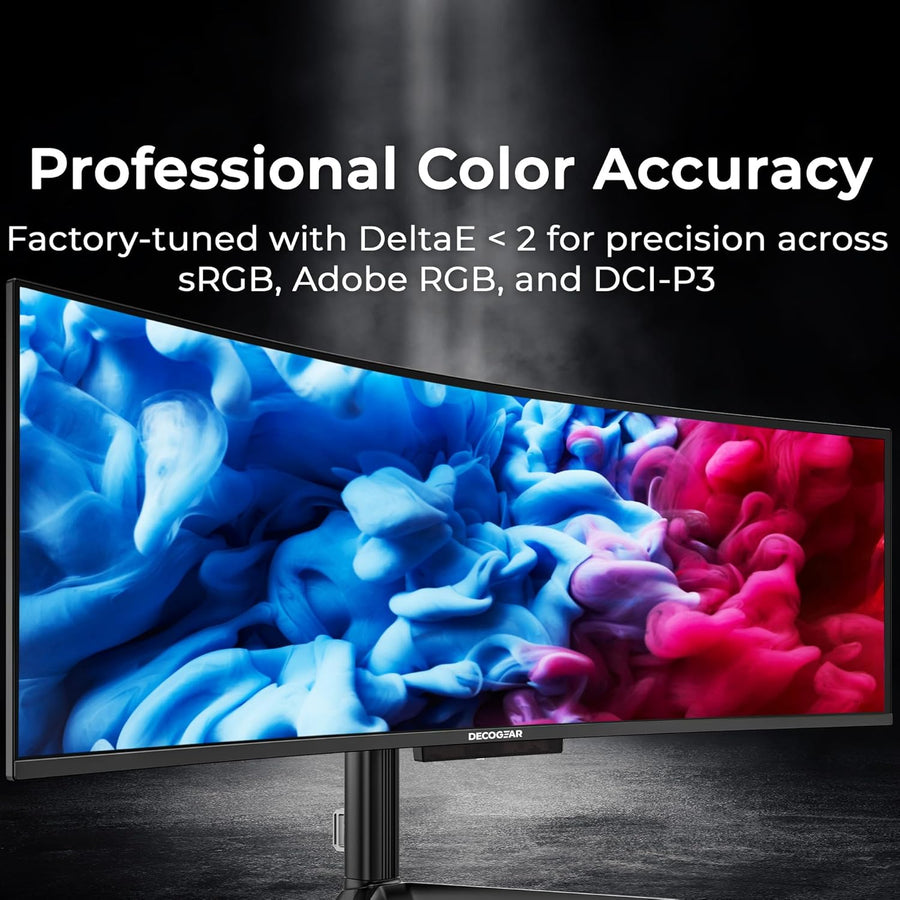
- Professional Color Accuracy - Factory-tuned with DeltaE < 2 for precision across sRGB, Adobe RGB, and DCI-P3 color spaces — perfect for creators and editors.
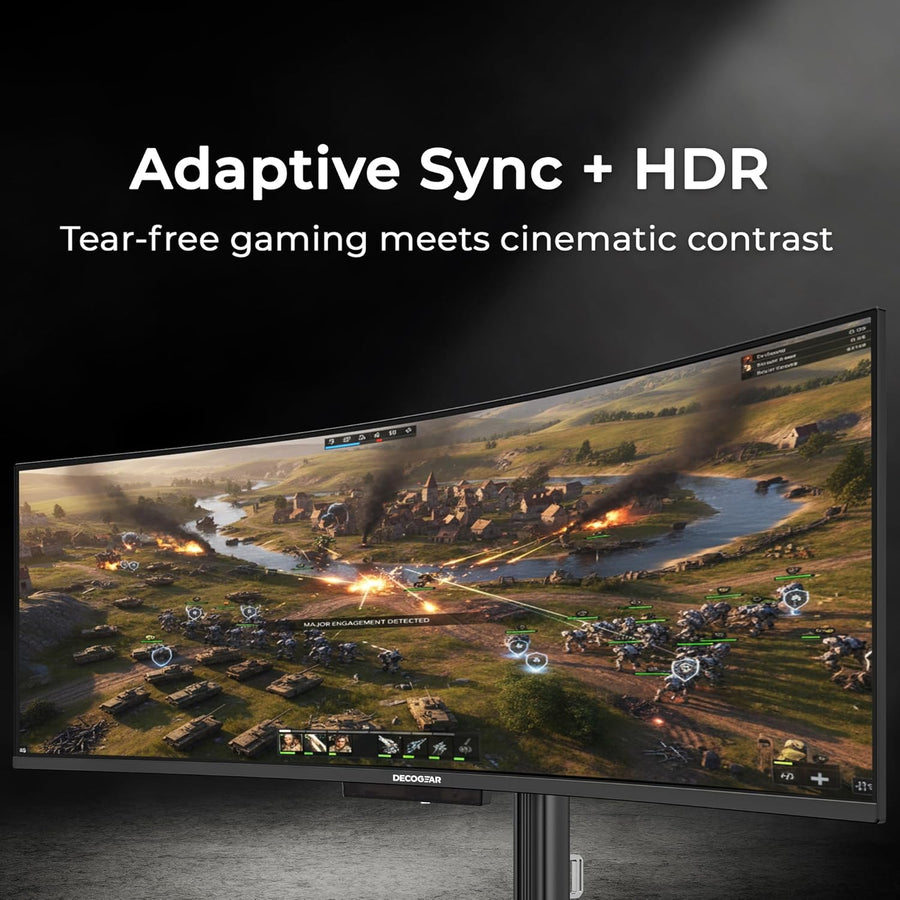
- Adaptive Sync + HDR True Black - Tear-free gaming meets cinematic contrast for an experience that’s both thrilling and refined.
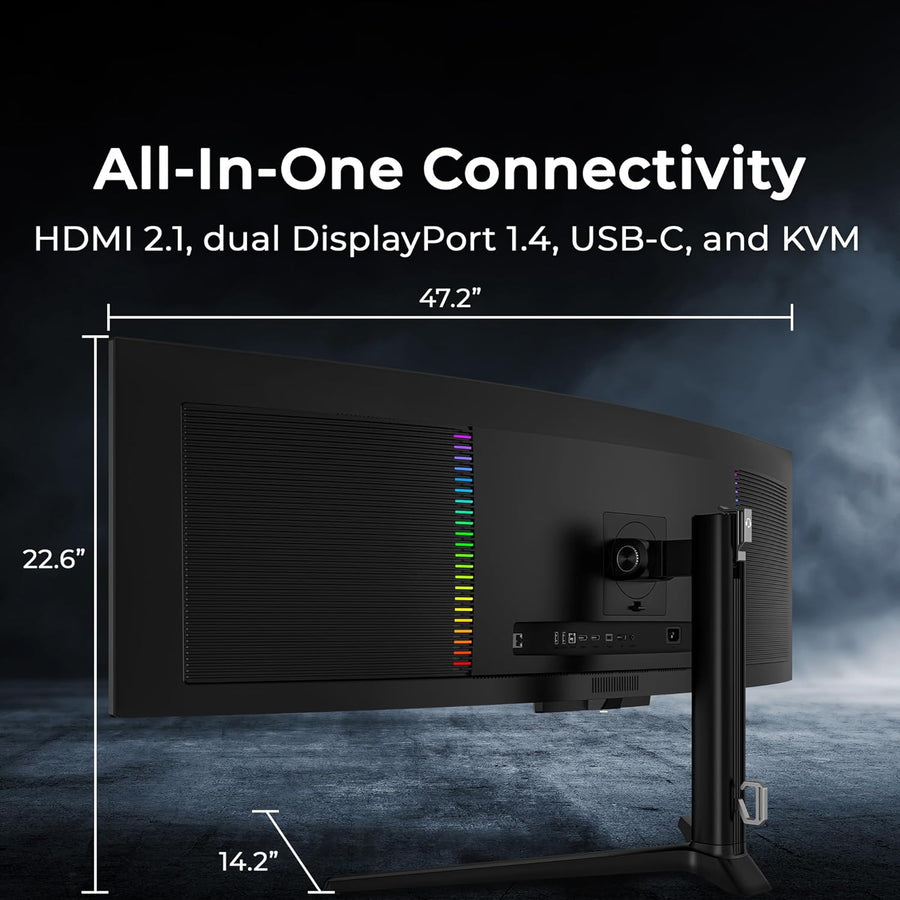
- All-In-One Connectivity - HDMI 2.1, dual DisplayPort 1.4, USB-C, and built-in KVM make multitasking seamless across multiple devices.
Elevate Every Experience
For Gamers: Pure Speed Meets Precision
Go beyond fast. With a 240Hz refresh rate and 0.03ms pixel response, the DG49OLED240 keeps up with every split-second decision. Whether you’re deep in a firefight or racing at full throttle, Adaptive Sync eliminates tearing while QD-OLED delivers inky blacks and dazzling highlights. This is what true immersion feels like - buttery-smooth motion, ultra-wide field of view, and color that pops off the screen.
For Creators: Accuracy That Inspires
From HDR video grading to high-end photo editing, every hue is rendered exactly as intended. With 112% DCI-P3 coverage and 131% sRGB, the DG49OLED240 captures the full emotional spectrum of your work. The result? Deeper reds, brighter whites, and more nuance in every frame. Whether you’re designing, color-correcting, or storytelling, your visuals will look exactly as you imagined them.
For Professionals: Redefine Your Workflow
Why juggle two monitors when you can do it all on one? The expansive 32:9 curved QD-OLED panel gives you seamless screen real estate for multitasking, spreadsheets, editing timelines, and meetings - all side-by-side with no gaps. Built-in KVM functionality lets you control two devices with one keyboard and mouse, while Picture-by-Picture (PBP) and Picture-in-Picture (PIP) options simplify your day-to-day multitasking.
Designed for the Modern Desk
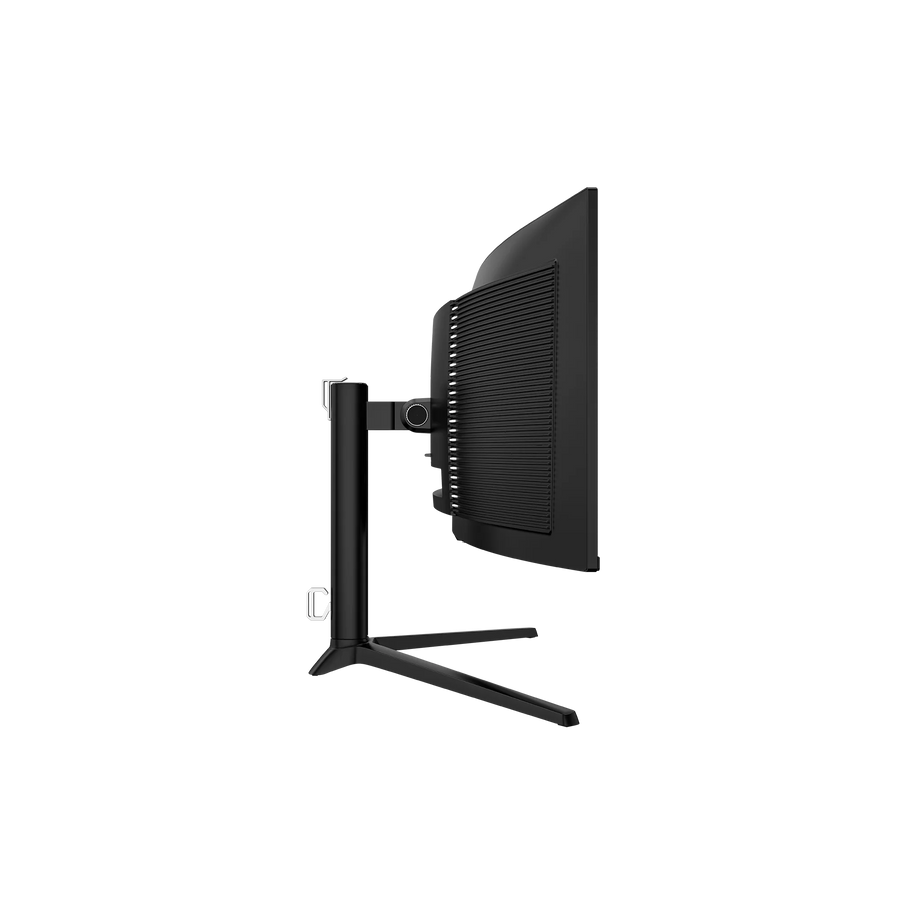
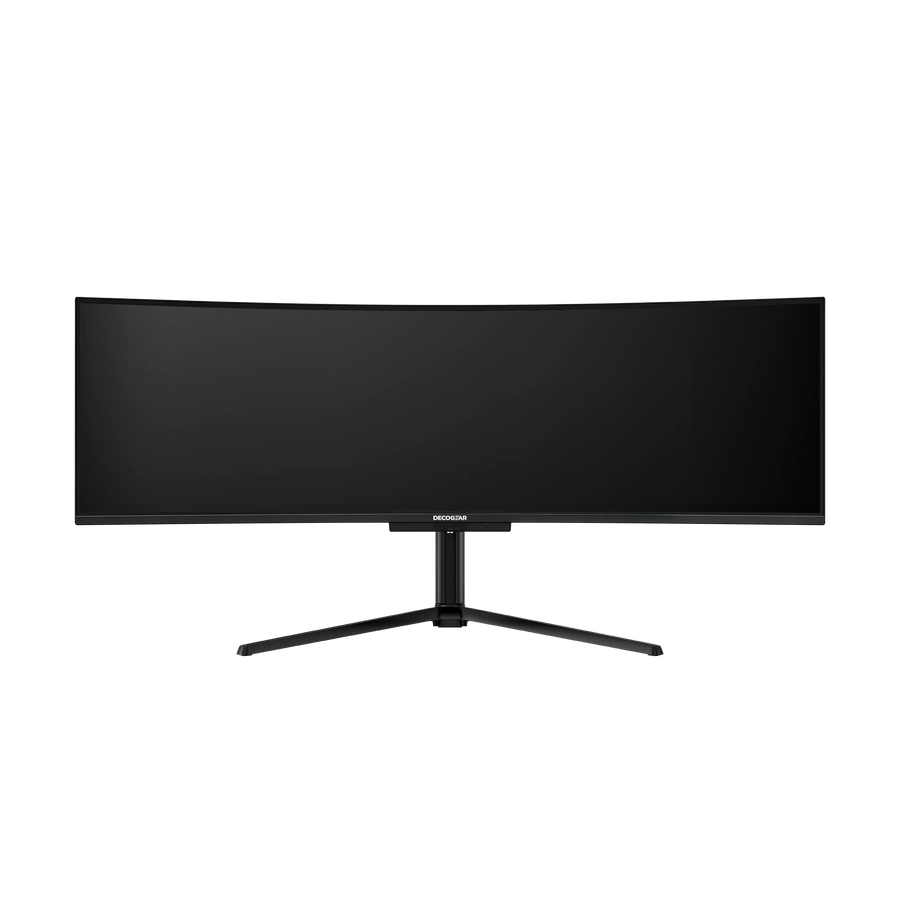
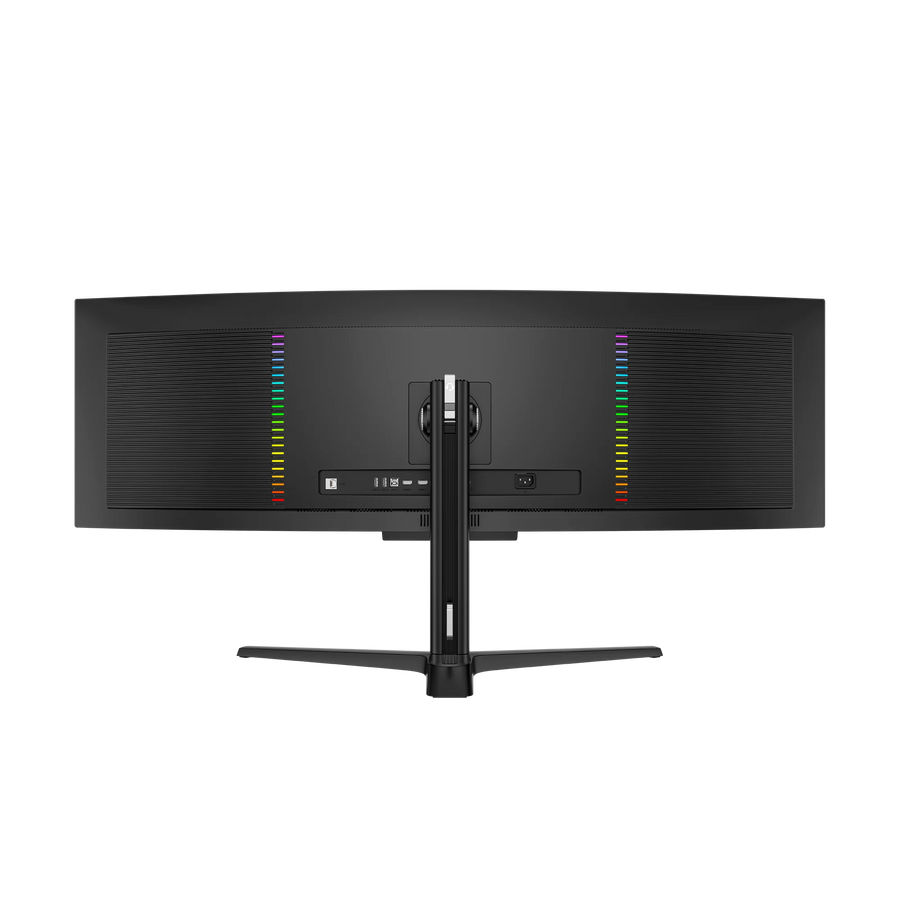
This isn’t just a powerhouse - it’s a statement piece. The DG49OLED240’s three-sided borderless design, sleek black finish, and RGB rear lighting add sophistication to any setup. The ergonomic stand offers tilt, swivel, and height adjustment for perfect viewing comfort, while VESA compatibility gives you freedom to mount it however you like. Dual speakers (5W + 10W) deliver crisp, balanced sound - no clutter, no compromise.
The Challenge: Too Many Screens, Not Enough Space
Tired of juggling multiple monitors, endless cables, and clunky desk setups? Gamers face screen tearing and input lag. Professionals lose productivity switching between windows. Creators struggle with washed-out colors and inaccurate displays.
The Deco Gear Solution: One Screen to Do It All
Meet the DG49OLED240 - a 49” curved ultrawide QD-OLED powerhouse. With 5120×1440 resolution, it replaces dual 27” monitors, giving you more room to work, play, and create. The OLED panel’s true-to-life colors and HDR400 True Black ensure breathtaking visuals, while 240Hz refresh and 0.03ms response provide esports-ready speed.
Gaming Dominance
Experience total immersion with a massive 32:9 field of view. Adaptive Sync and HDMI 2.1 keep fast-paced action stutter-free, while ultra-low latency gives you the edge in competitive matches.
Professional Workflow
Switch seamlessly between your work and gaming PC using the integrated KVM switch. USB-C with 90W Power Delivery powers your laptop while connecting a full-resolution display - no docking station required.
Creative Fidelity
Designers and video editors can trust 1.07 billion colors, DeltaE<2 accuracy, and 92% BT2020 coverage for projects that demand precision. True-to-life detail, contrast, and consistency bring your vision to life.
Sustainability & Trust
Built with energy-saving modes, flicker-free technology, and anti-burn-in protection, the DG49OLED240 is engineered for long-lasting performance. Every Deco Gear monitor is backed by U.S.-based customer support and warranty coverage for peace of mind.
Frequently asked questions
on this order.


Camera.
behind every order.
Backed by us.
Terms, Disclaimers & Legal Information


Speed. Precision. Beauty. All-in-One Screen
Immerse yourself in pure visual brilliance. The Deco Gear DG49OLED240 isn’t just a monitor - it’s a window into another world, where your games, movies, and workspaces come alive with lifelike color, instant response, and breathtaking immersion. Designed for creators, gamers, and visionaries alike, this 49-inch curved ultrawide QD-OLED display combines cinematic scale with lightning-fast performance - delivering the clarity, color, and control that defines true next-gen viewing.

DQHD OLED Display

Curved Display

Fast refresh rate

Blazing fast response time
Why You’ll Love Our 49" 240Hz OLED Monitor
49” QD-OLED Curved Display
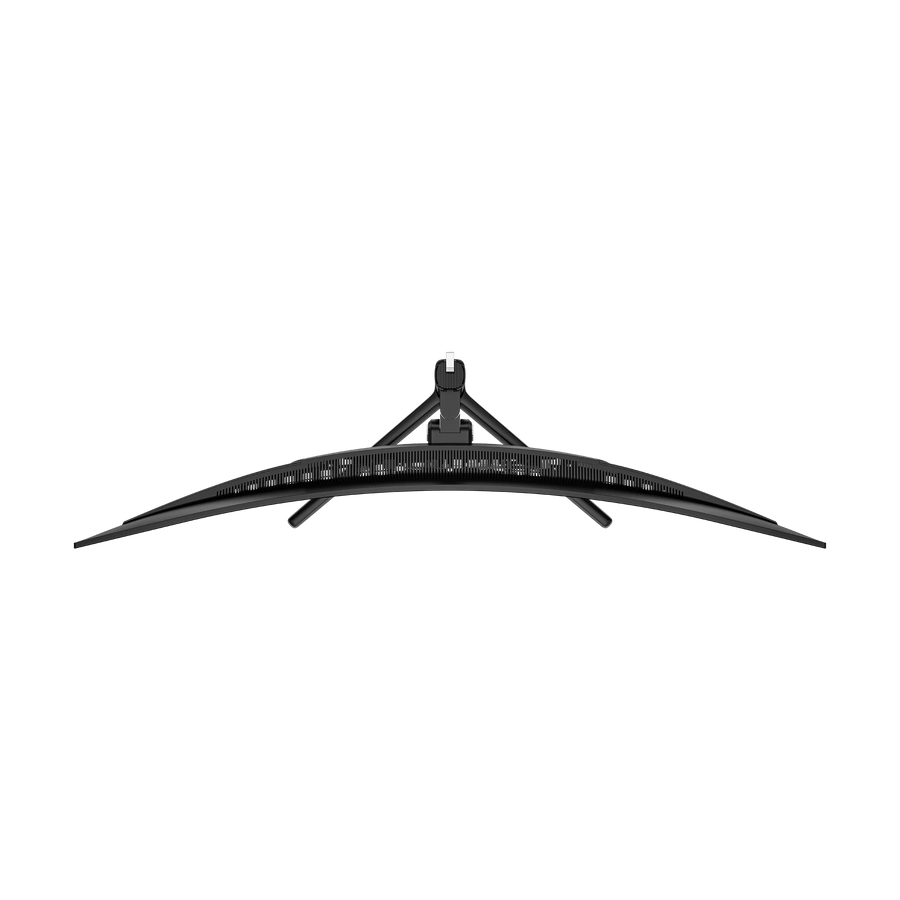
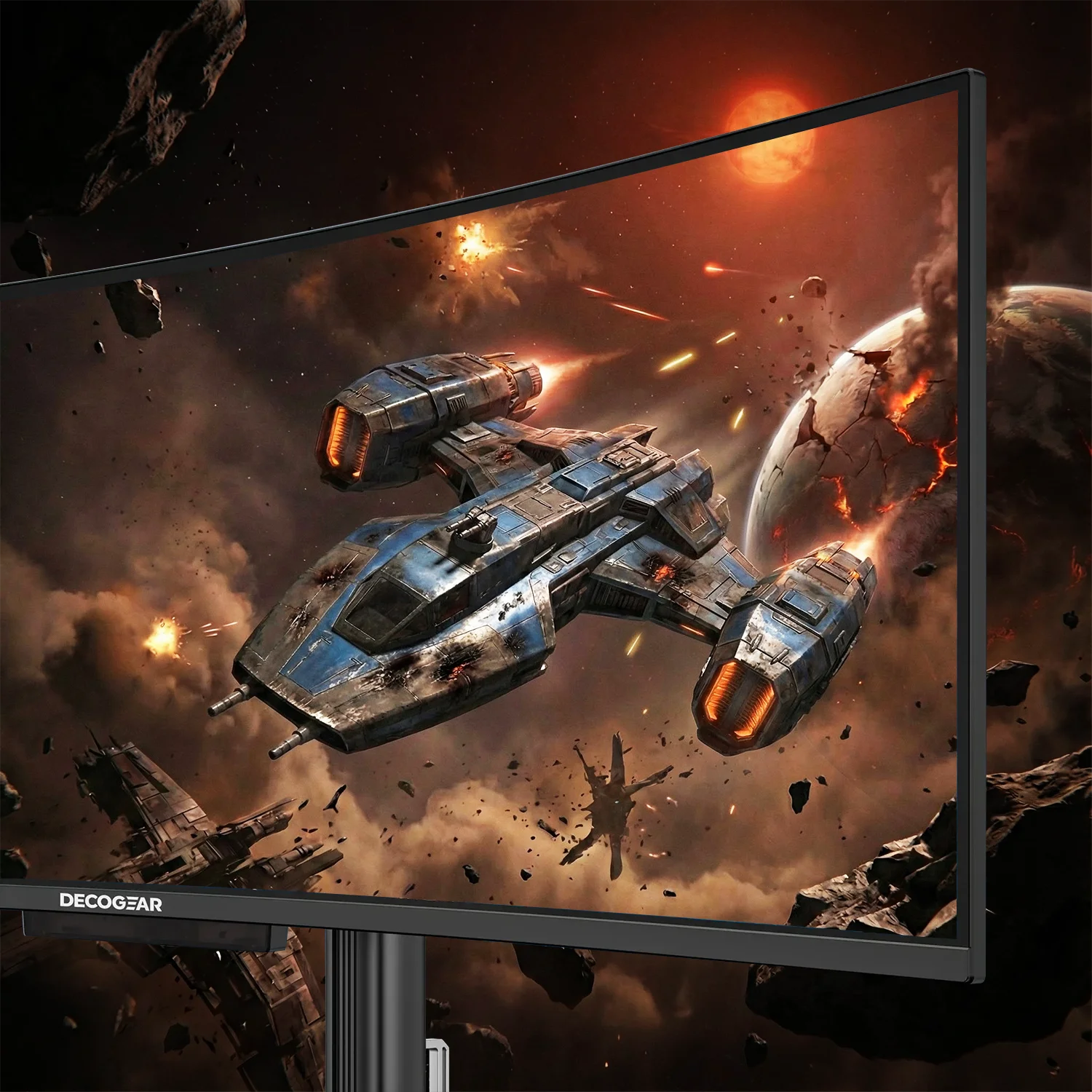
Achieve complete immersion through the 1800R curvature, enhancing comfort and enveloping your field of vision.
Dual-Screen Power, One Immersive Canvas
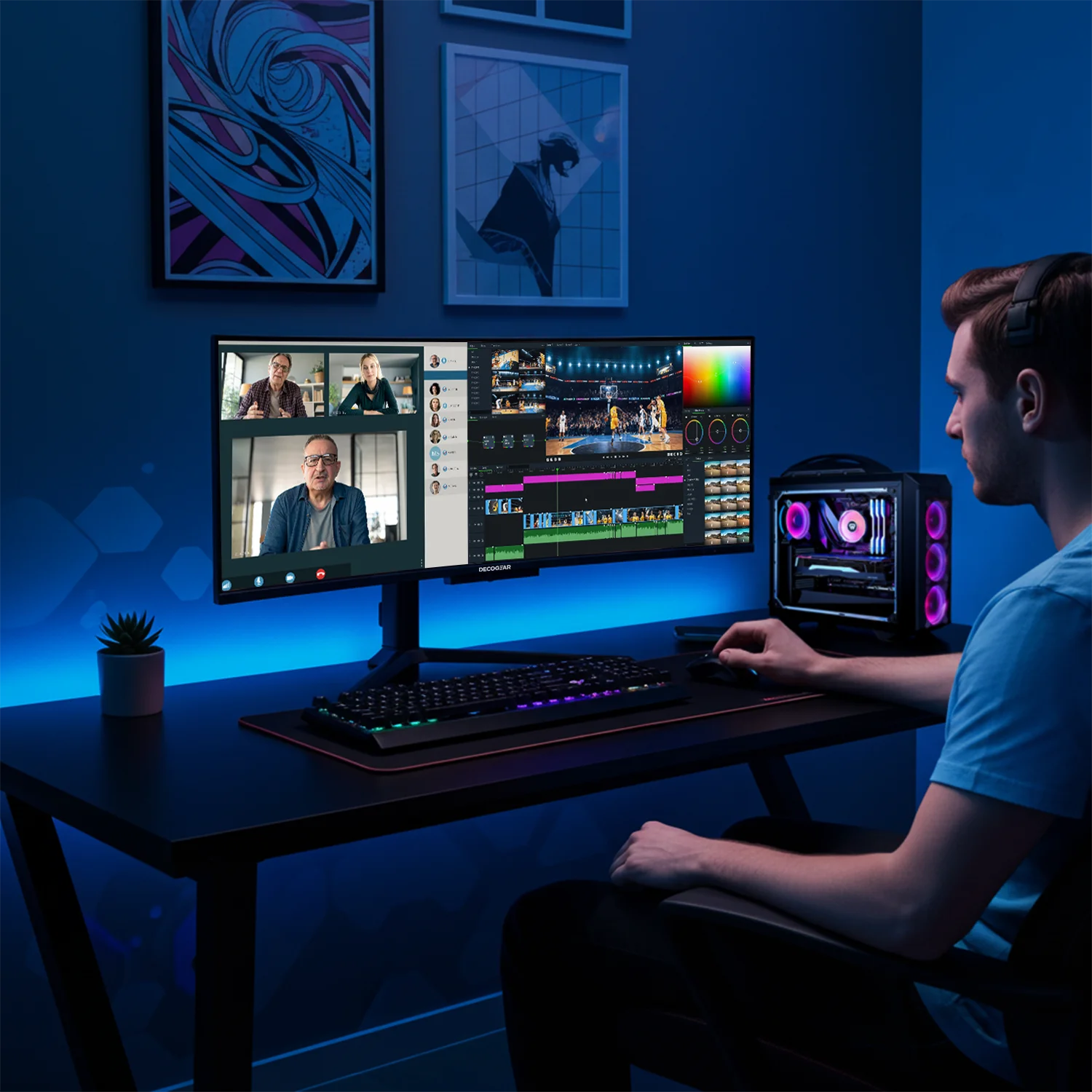
An impressive 5120 × 1440 DQHD resolution offers the workspace of two 27” QHD displays.
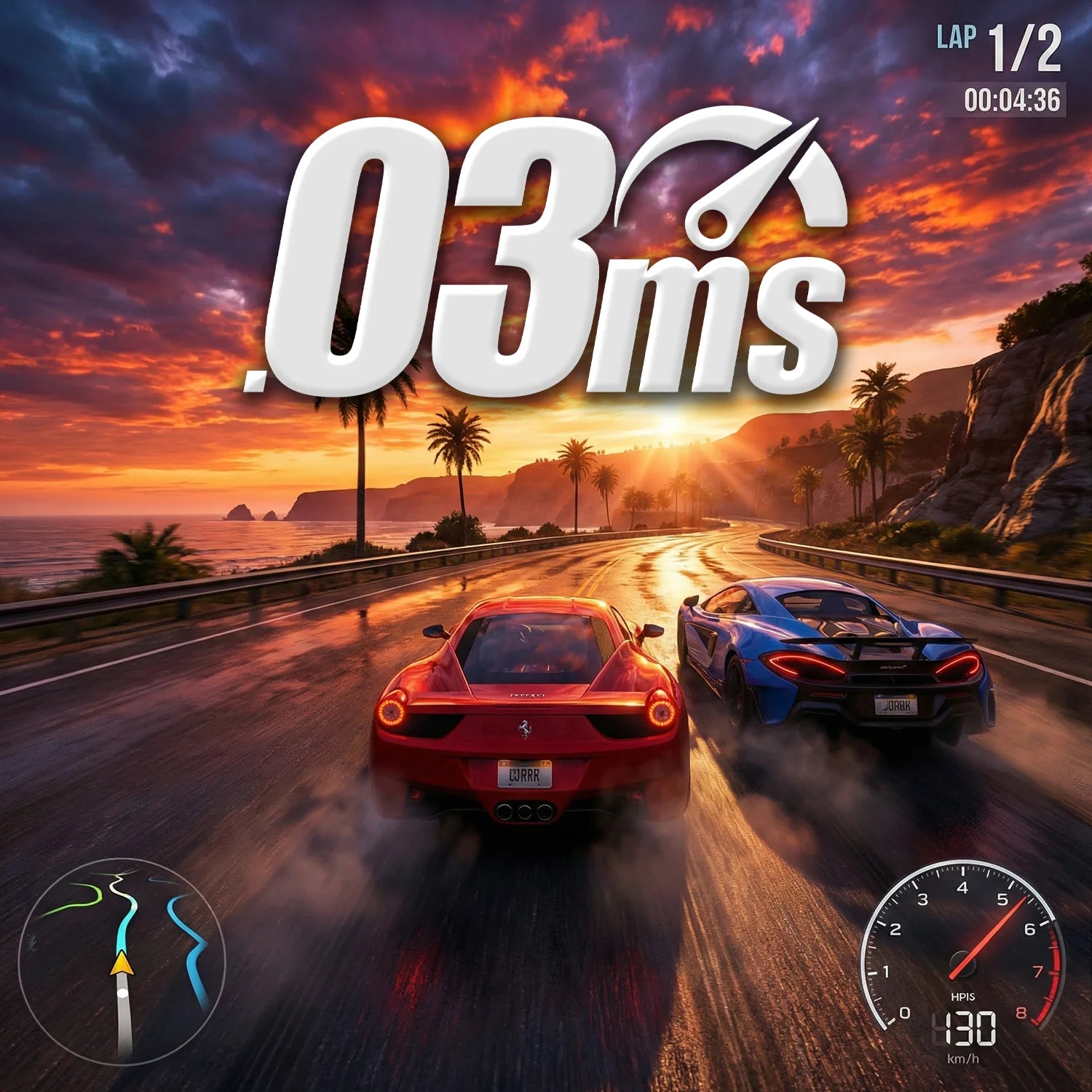
240Hz Refresh Rate + 0.03ms Response Time
Every motion, every frame, every victory - rendered with flawless smoothness and instant reaction.

HDR400 (True Black) + 1500000:1 Contrast Ratio
Enjoy astonishing depth and precision with 1500000:1 contrast ratio, HDR400 True Black, and 1.07 billion colors.

Built to Redefine Immersion
Discover stunning colors, infinite contrast, and unmatched clarity with our 240Hz OLED monitor - designed to elevate work, play, and creativity.
TRUE TO LIFE COLORS
Quantum Dot OLED Technology
QD-OLED technology blends the rich, true blacks of OLED with the superior color accuracy of Quantum Dot. Every scene is painted in vivid detail, with stunningly bright whites and rich contrast ratios. Whether you're exploring a new gaming world or editing creative projects, the colors are true to life, enhancing every moment.
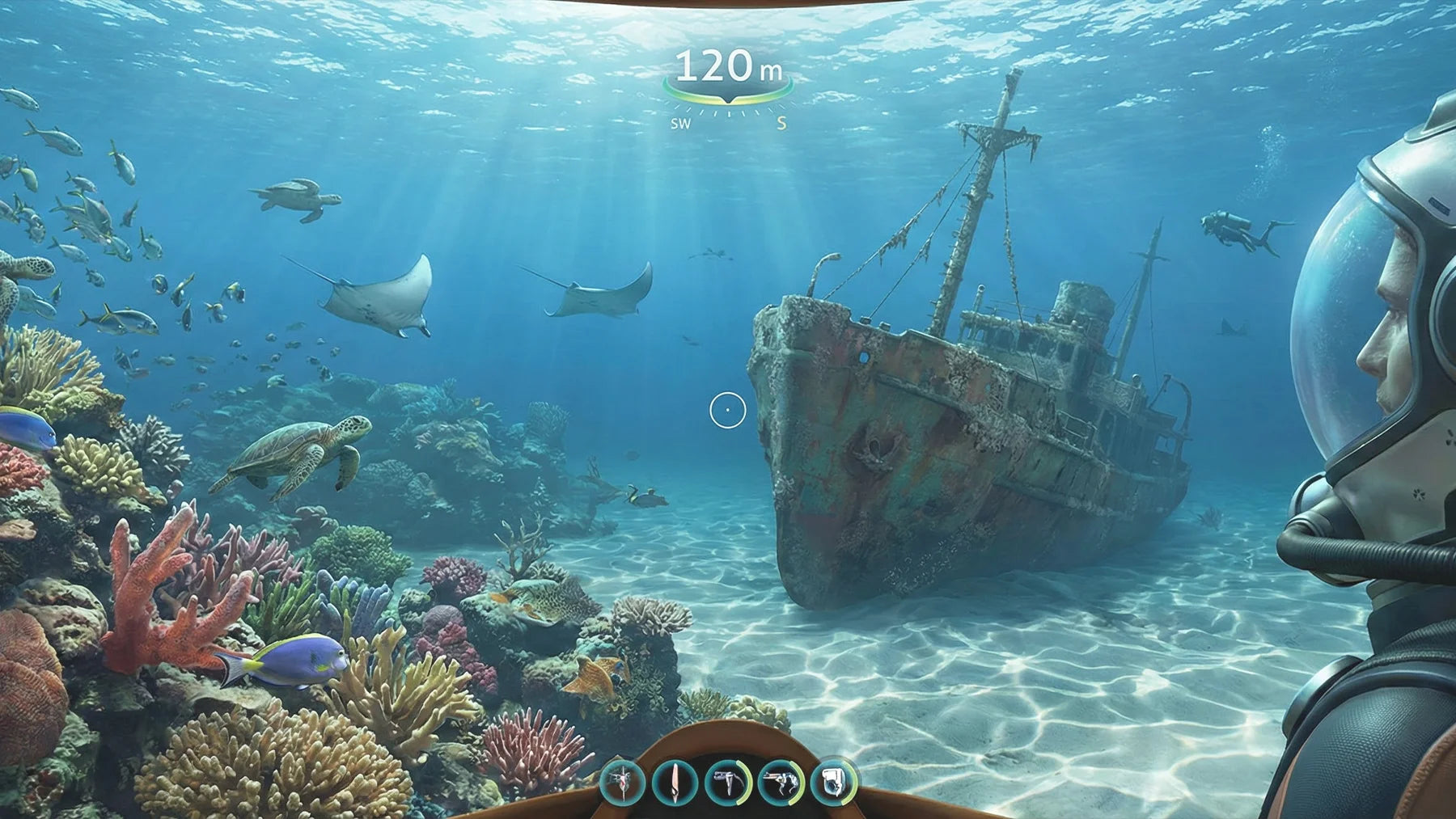
Full HD
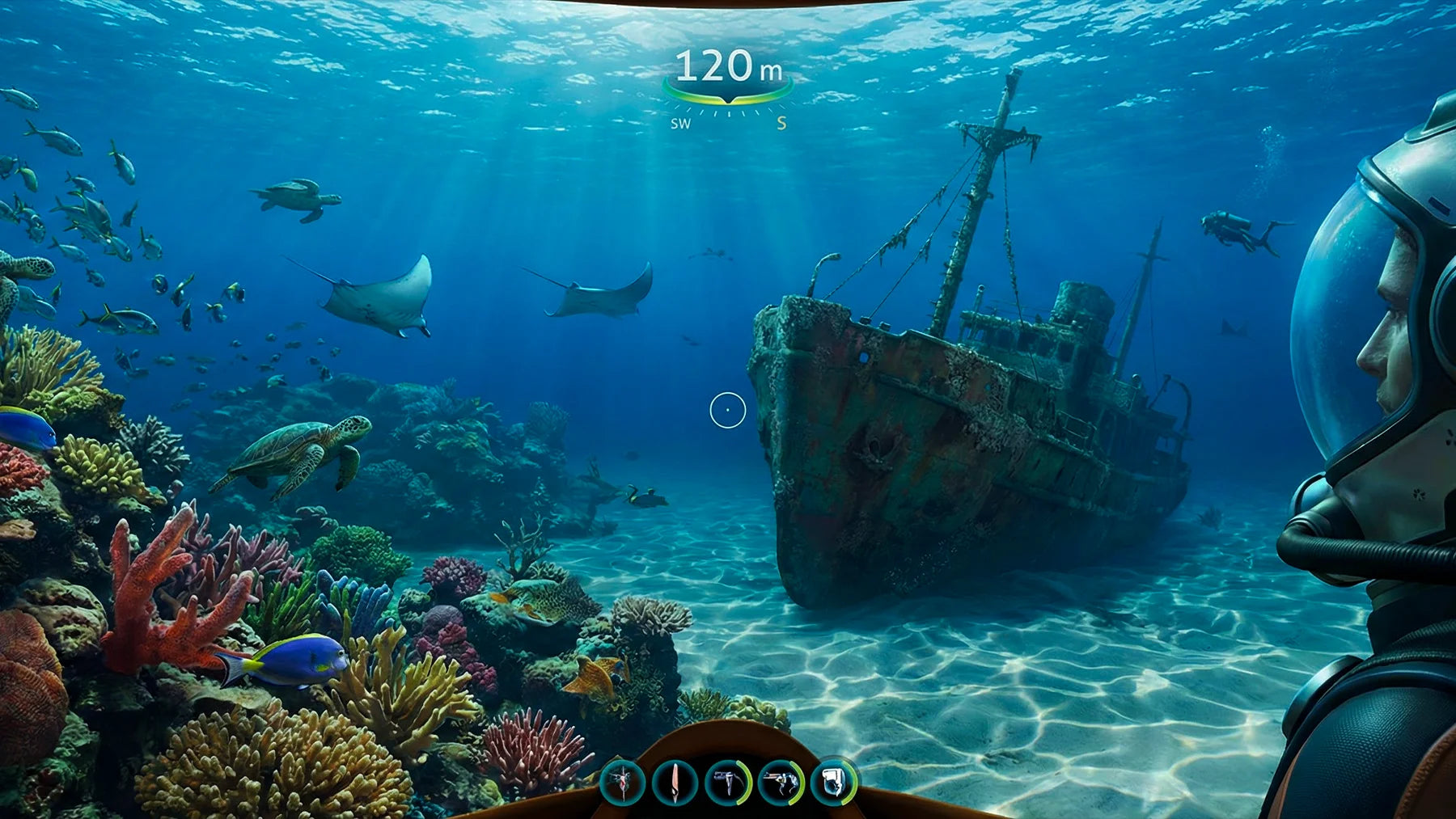
QD-OLED

Advanced Color Accuracy
With 131% sRGB, 114% Adobe RGB, 112% DCI-P3, and 148% sRGB area ratio, this monitor brings out vivid colors and sharp details for both work and play.
SMOOTH GAMING
Go beyond fast
With a 240Hz refresh rate and 0.03ms pixel response, the DG49OLED240 keeps up with every split-second decision. Whether you’re deep in a firefight or racing at full throttle, Adaptive Sync eliminates tearing while QD-OLED delivers inky blacks and dazzling highlights.
This is what true immersion feels like - buttery-smooth motion, ultra-wide field of view, and color that pops off the screen.

Standard
60Hz

with AdaptiveSync
240Hz
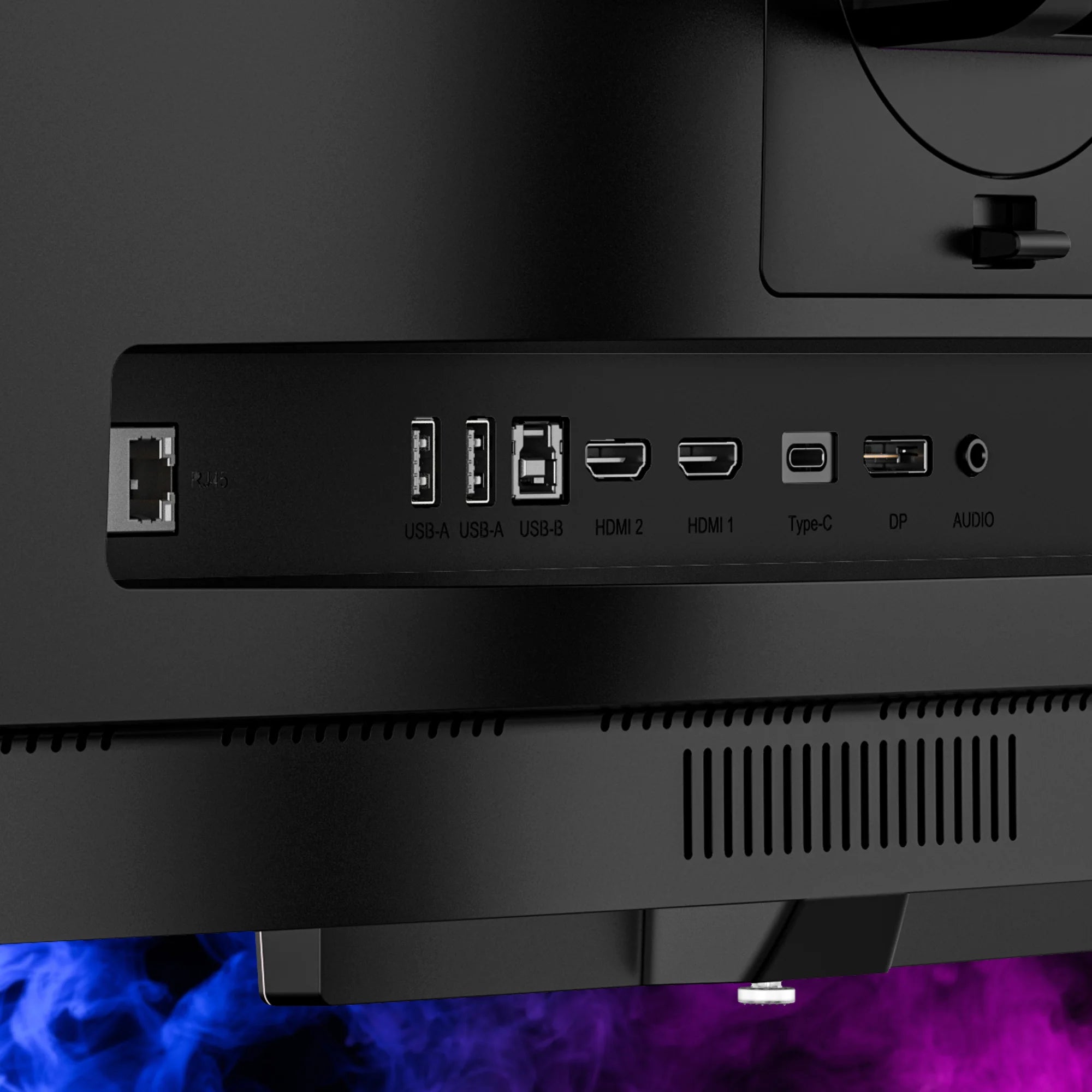
Comprehensive Connectivity
Keep your laptop charged and your setup minimal with single-cable connectivity for video, data, and power.
HDMI 2.1, DP 1.4, USB-C, and more - connect multiple devices effortlessly with a full array of ports for a streamlined setup.
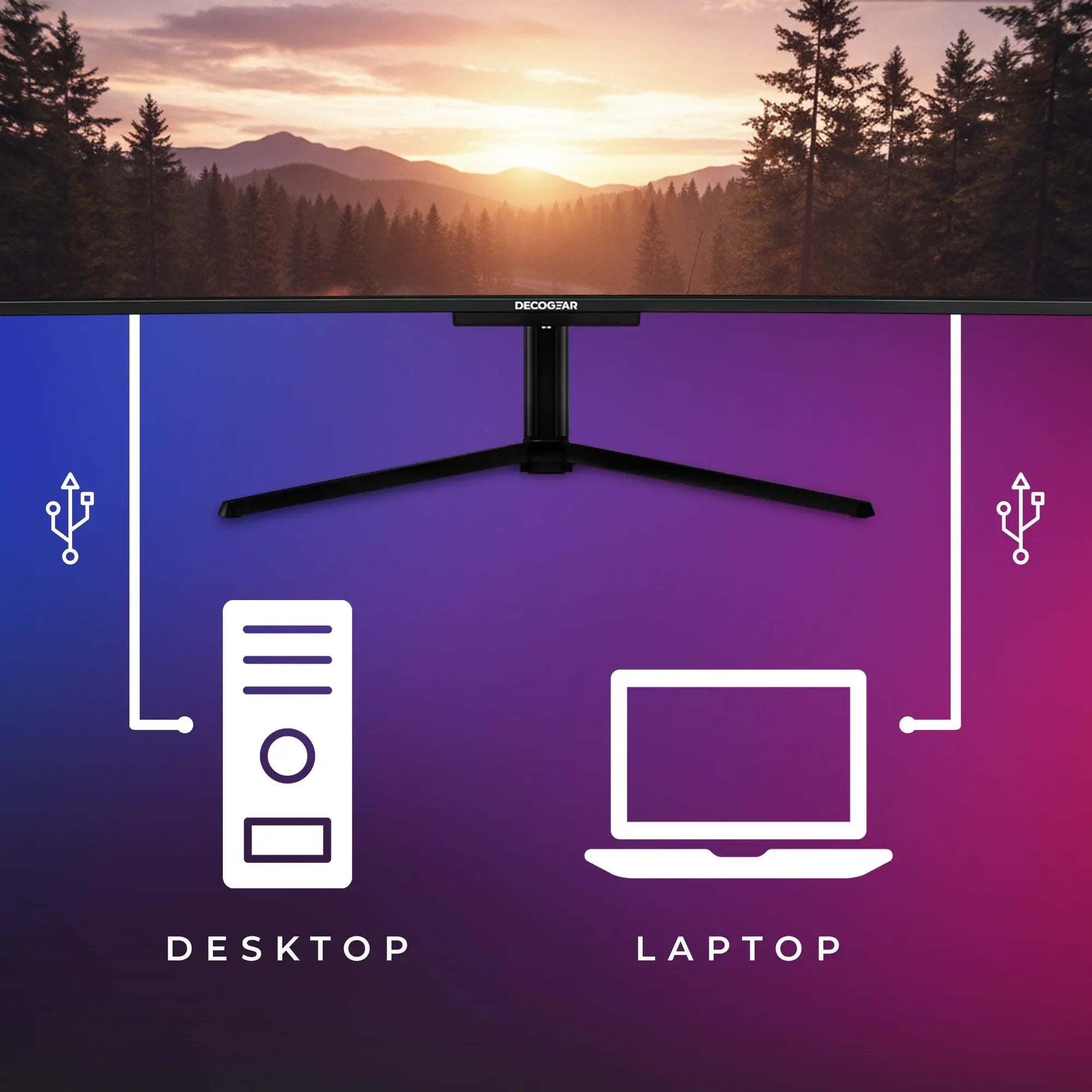
KVM Switch
Manage multiple computers with a single keyboard and mouse, streamlining your workspace for productivity.
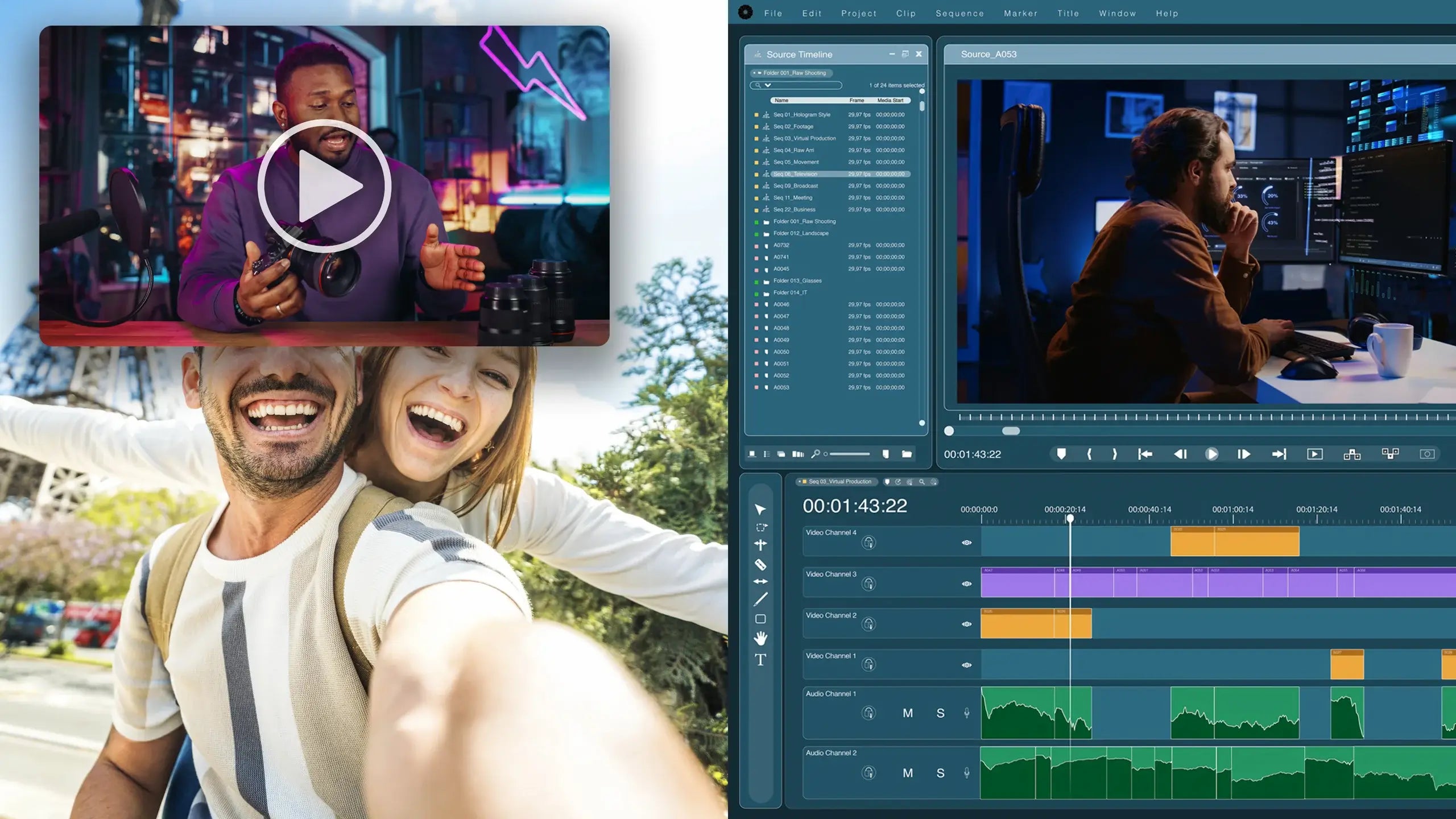
Redefine Your Workflow
Why juggle two monitors when you can do it all on one? The expansive 32:9 curved QD-OLED panel provides seamless screen real estate for multitasking, spreadsheets, editing timelines, and meetings - all side by side with no gaps.
HDMI 2.1, dual DisplayPort 1.4, and USB-C make multitasking seamless across multiple devices, while Picture-by-Picture (PBP) and Picture-in-Picture (PIP) options simplify your day-to-day multitasking.
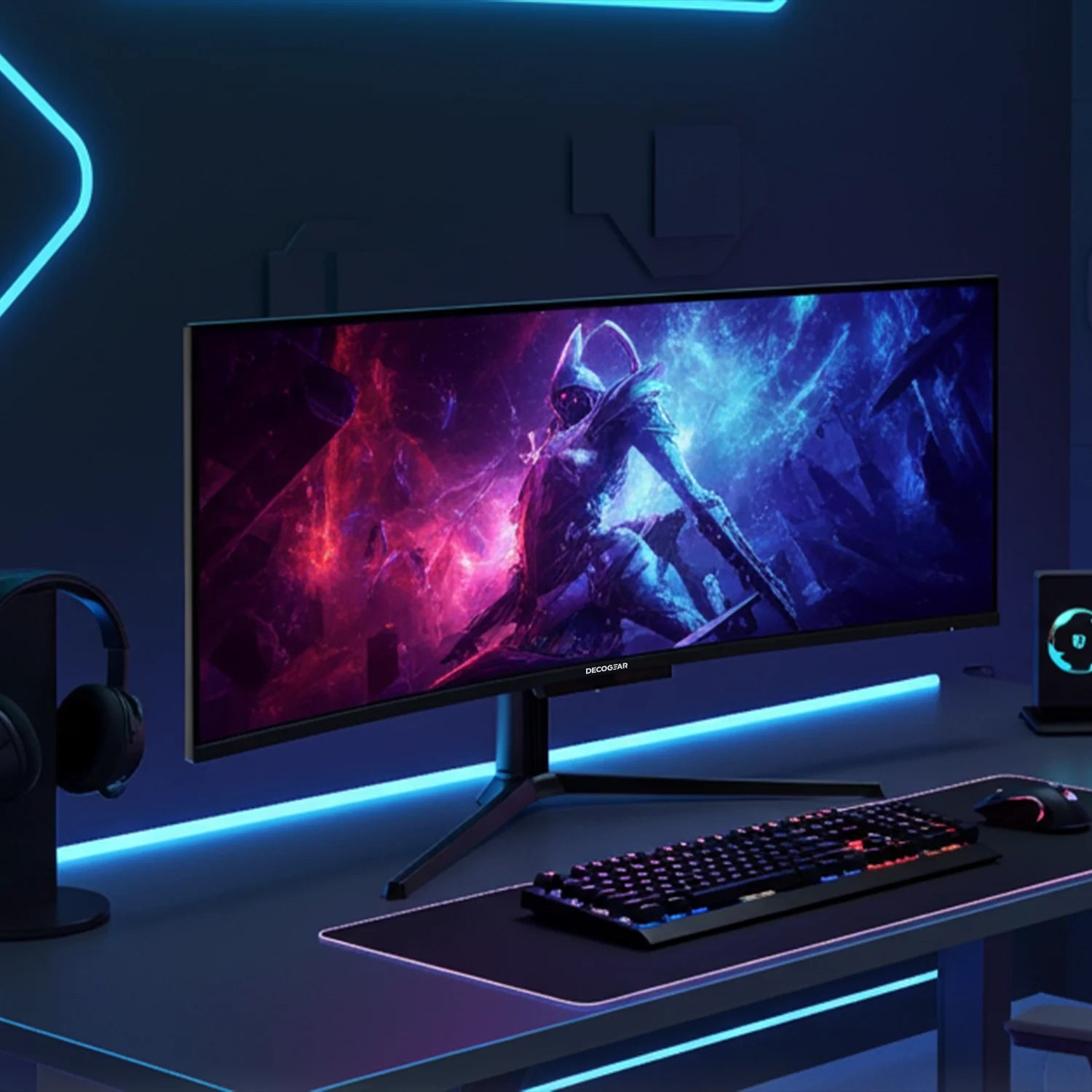
Designed for the Modern Desk
Say goodbye to the limitations of standard screens. The 1800R curvature of this 49” ultrawide monitor wraps gently around your field of vision, creating an expansive, immersive experience. It’s like having multiple screens in one - without the distractions of bezels or the need for multiple setups.
This ultrawide format allows for seamless multitasking, letting you view more content at once, while the sleek design keeps your setup simultaneously clean and modern.
OLED CARE Protection
This monitor has advanced protection features to enhance longevity and prevent screen damage. Burn-in protection shifts images slightly at regular intervals, while static screen detection and brightness reduction for static elements, like icons and taskbars, mitigate the risk of burn-in. Users can manually activate panel maintenance or receive optional notifications after extended use to initiate protective measures. Additionally, a heat dissipation array and graphene cooling film work together to manage temperature, reducing the risk of burn-in and prolonging the monitor's lifespan.
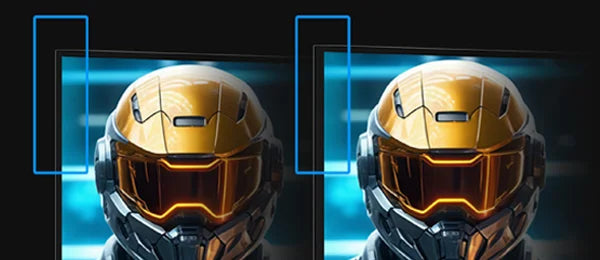
Burn-In Protection
Automatically shifts images by a few pixels periodically to prevent pixel burn-in caused by prolonged static display.
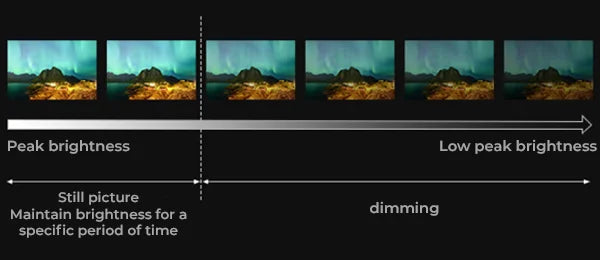
Static Screen Detection
Reduces overall brightness when a static image is displayed for an extended period to slow screen aging.

Static Element Detection
Identifies static elements like icons, taskbars, and borders, reducing their brightness to prevent localized burn-in.
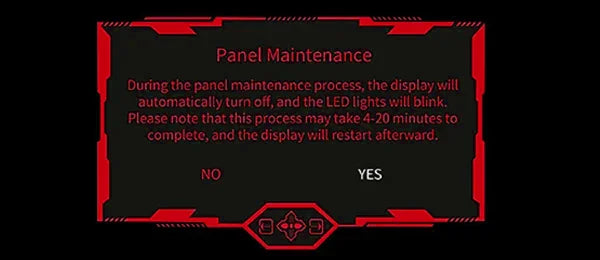
Panel Maintenance
Allows users to manually activate a maintenance program to extend the screen's lifespan.
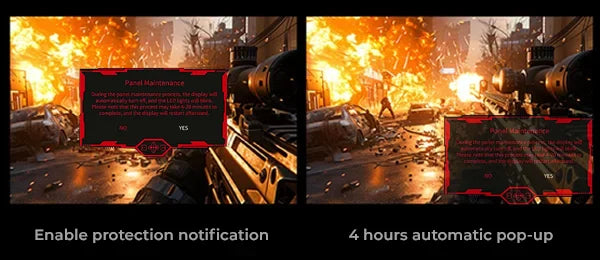
Protection Notification
Offers an optional alert after four hours of use, prompting users to initiate panel maintenance for long-term care.
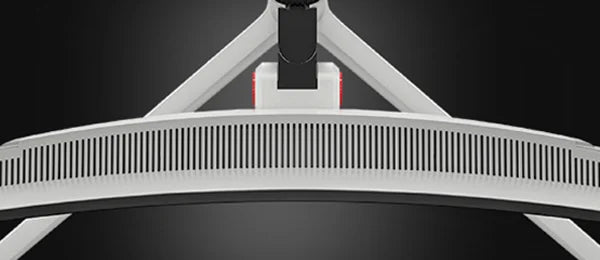
Heat Dissipation Array
Features multiple heat vents on the back cover to efficiently release heat and minimize burn-in risk.
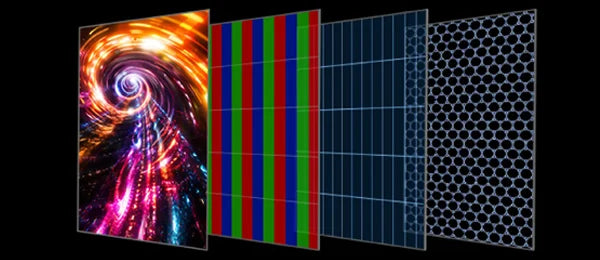
Graphene Cooling Film
Enhances cooling by lowering the screen's operating temperature to reduce wear and extend life.

1-Year Limited Warranty
Deco Gear offers a 1-Year Limited Warranty covering defects in materials and workmanship with your purchase.
Specifications
Display
Color Performance
Performance
Connectivity
Audio
Stand and Mounting
Power
OLED Protection
.
Features
Dimensions & Weight
Included in the Box

Monitor

Power Cable

DisplayPort Cable

Manual

1-Year Warranty


If you have any questions, you are always welcome to contact us. We'll get back to you as soon as possible, within 24 hours on weekdays.
-
Fast Free Shipping
Fast free shipping on all orders within the Continental US.
-
Phone Support
Call Us: 844-413-2646
Hours: M - Th 9:30 AM - 6:30 PM / Fri 9:00 AM to 3:00 PM -
30-Day Returns
Simply return it within 30 days for a full refund.
See our Refund Policy
-
100% Payment Secure
Safe and secure payment with encryption.