

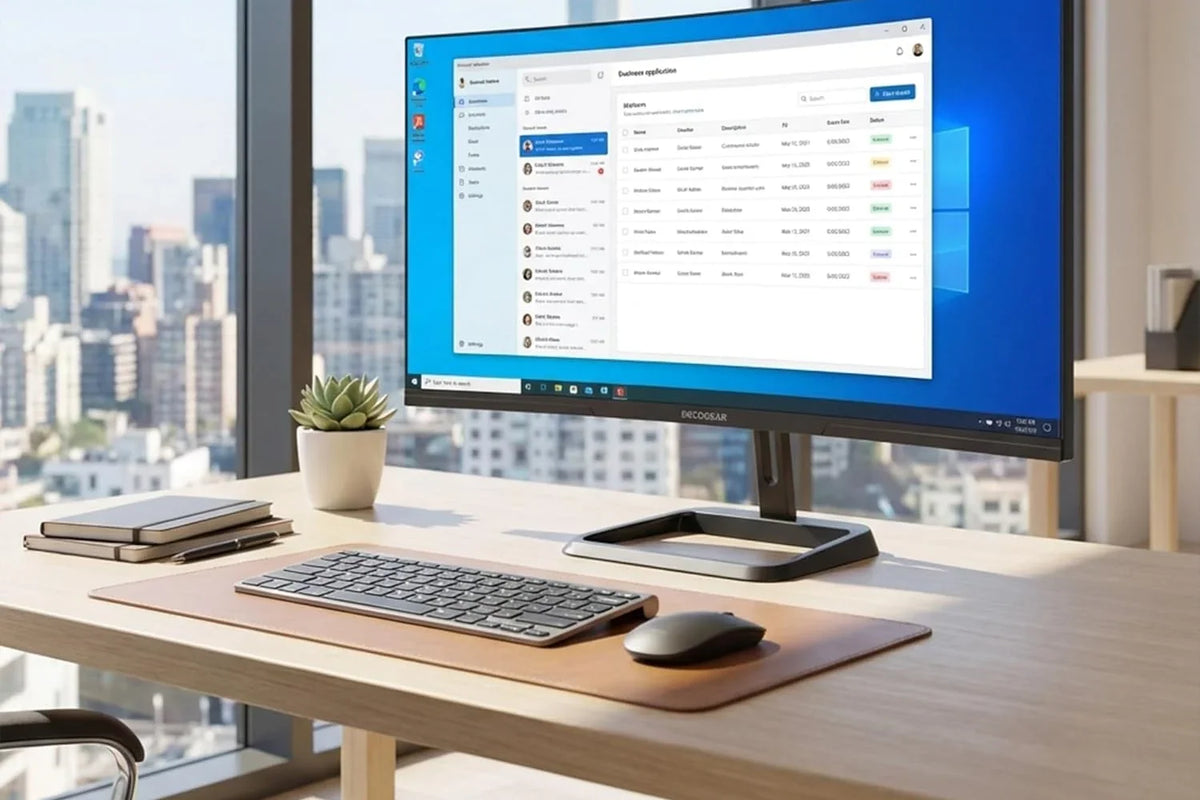
A second screen is one of the best upgrades a student can make. Research next to notes, a lecture next to the slides, code next to documentation: a bigger, wider screen means less switching between windows. Here is how to pick one that fits a dorm desk and a student budget.
1. Measure the desk first
Dorm desks are often shallow and narrow. A 34-inch ultrawide is a good fit for most: the Deco Gear 34″ Business Monitor is 32.0″ wide and 8.4″ deep on its stand. If you have a desk about 4 feet wide, a 49-inch super-ultrawide (47.0″ wide) can replace two monitors.
2. Match the connection to your laptop
- USB-C laptops: a monitor with USB-C power delivery means one cable for video and charging. The 40″ 5K2K supplies up to 90 W and the 49″ 5K up to 65 W.
- HDMI or DisplayPort: the 34″ Business Monitor has two HDMI 2.0 and two DisplayPort 1.4 inputs, so a laptop, a desktop and a game console can all stay plugged in.
3. Resolution: aim for 1440 lines or more
At 34 inches and up, 3440×1440 keeps text sharp for reading and writing. Creative programs benefit from more: 5120×2160 on the 40″ gives the height of a 4K screen with extra width for timelines and tool panels.
Picks by major
- Most majors, small desks: 34″ Business Monitor. 3440×1440 at 100 Hz on a 1500R curve, a VESA 100×100 mount for an arm, and support for PS5 and Nintendo Switch for downtime.
- Design, film and photography: 40″ 5K2K. 5120×2160 IPS with 100% sRGB and 96% DCI-P3 color, USB-C with up to 90 W, and a height-adjustable stand.
- Engineering, finance and heavy multitaskers: 49″ 5K. 5120×1440 at 120 Hz, the space of two QHD screens with no bezel in the middle, picture-by-picture and a built-in KVM to share one keyboard and mouse between two computers.
Get education pricing
Students, faculty and staff with a school email ending in .edu can verify in about a minute and buy new Deco Gear monitors at the education price through Deco Gear for Education. Shipping is free to the contiguous US, orders placed by 5 PM ET on business days should ship the same day, and returns follow our 30-day Refund Policy.
Specifications per Deco Gear's 2026 factory spec sheets (49″ 5K: March 2026; 40″ 5K2K and 34″ Business: January 2026). Check each product page before ordering.

Share:
49″ vs 40″ vs 34″ Ultrawide Monitors: Which Is Right for Your Office?