

What is an IPS Monitor?
Whether you are just breaking into the PC gaming scene or shopping for a loved one, picking which computer monitor to purchase can be daunting. With an overwhelming number of panel technology options and computer terms, finding out what panel type is ideal for your visual needs is just as important as how much processing power is packed into your CPU.
Do you care about color accuracy? Do you care about seeing the most high-resolution detail? Do you need speed above everything else? Are you a professional who's hyper-focused on image quality and counting every pixel in your ultra-wide? The good news is there are options for each of these needs, sometimes all three in one monitor.
While other display panels such as vertical alignment (VA panels) or twisted nematic (TN panels) exist, for this article we’re focusing on IPS technology, which many pros consider the standard in graphic and photography work.

IPS Monitor Definition
IPS screens - short for “in-plane switching” - have the best displays for color and viewing angles. A form of LED or LCD panel technology, liquid crystals in an IPS monitor shift horizontally, unlike other panels. This shifting has the benefit of 178-degree wide viewing angles, superior color accuracy (color gamut), backlighting, great contrast ratio, and overall better image quality.
With those critical benefits in mind, graphic designers, photographers, engineers, and videographers would tell you that they prefer an IPS display. These professions require high color accuracy and reproduction on screen. The Deco Gear VM284K 28 Inch 4K Ultrawide IPS Monitor fits the bill, with display technology that blows past FHD and provides incredible 4K resolution, over 1 billion colors, and 100% RGB accurate color (90% DCI-P3).
In addition to excellent color reproduction, our IPS monitor has must-have specs such as adaptive sync, ample screen size, HDMI ports, DisplayPort, anti-glare screen, HDR support, VESA mount capability, and the high performance you expect with Deco Gear.
Are IPS monitors good for gaming?
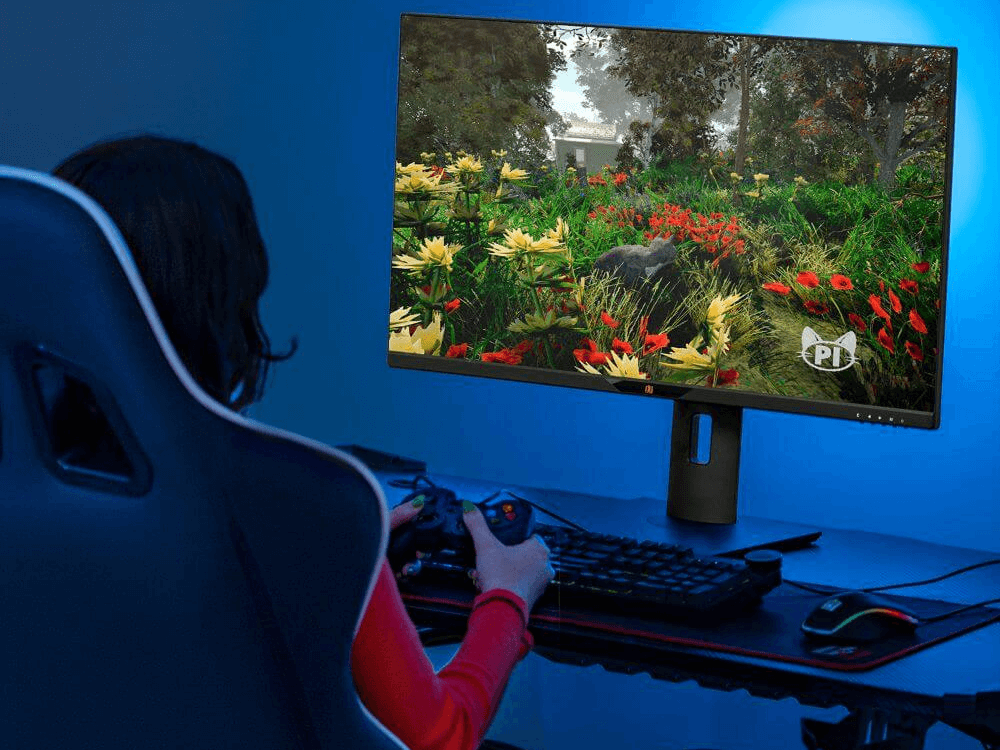
The short answer? Yes! But there is one catch. Unless you’re spending huge dollars most IPS panels don’t feature fast refresh rates or response times. This might make fast-twitch competitive gamers think twice, but if you’re looking for an immersive gaming experience there isn’t anything better.
For professionals looking for accuracy and gaming enthusiasts looking to take advantage of their computer’s graphical output, an IPS monitor is the answer. There are other types of monitors that better cater to high FPS gaming action, but if you want more of a realistic and immersive experience from your gaming monitor, superior color accuracy, and excellent viewing angles with strong anti-glare properties, IPS monitors will meet your needs.

Share:
What’s the best computer monitor size?
What is better: Curved vs Flat Monitors